
Turn Articles into Asset:a guideline to use DataDID
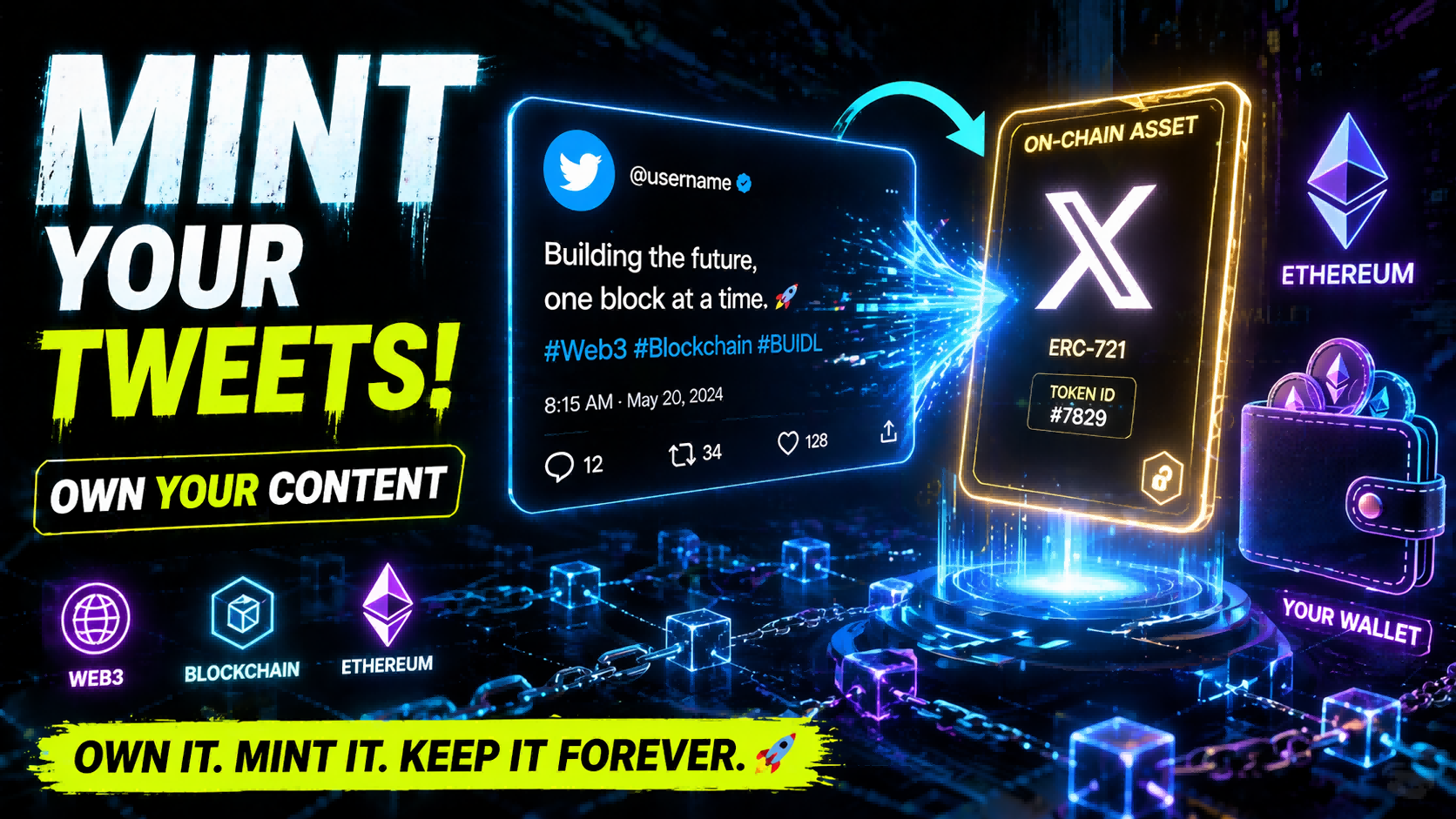
In today’s internet environment, we generate content every day—tweets, opinions, discussions, and ideas. Yet most of this content remains confined within platforms, essentially becoming part of the platforms’ data assets.
DataDID offers a new possibility: turning your content into something that truly belongs to you.
This article will walk you through the entire process of minting a tweet—from installing the plugin to generating an on-chain asset—and explain why this is something worth engaging with over the long term.
I. What is DataDID?
DataDID is a decentralized data identity system available across web, mobile, and browser plugin versions. The plugin version allows users to mint their content on X (Twitter) into on-chain data assets.
In other words, it changes one fundamental thing:
your content is no longer just “published”—it can be “owned.”
II. Tweet Minting Process
Install the Plugin
First, open the Chrome Web Store and search for DataDID,
or go to the official DataDID website 👉 datadidapp.memolabs.net to install it.Once you find the plugin, click “Add to Chrome” to complete the installation, and follow the prompts to grant permissions.
After installation, open the plugin to begin the initialization process.
search for【DataDID】
【Add to Chrome】
【Add extension】
2. Login and Account Binding
Before getting started, you’ll need to complete the basic account setup:
● Log in using an Ethereum wallet
● Enter an invitation code
● Link your X (Twitter) account
The purpose of this step is to connect your on-chain identity with your social account, preparing for the minting process that follows.
【Bind Invite code】
【link X】
3. Select a Tweet and Execute Mint
Go to your X homepage and find the tweet you want to mint.
At this point, the DataDID plugin will provide a Mint entry within the reply box.Click the Mint button and confirm the action in the pop-up interface to complete the process.
The entire process is very lightweight and usually takes only a few seconds.
4. Mint Success and Asset Creation
Once the process is complete, you’ll see a confirmation indicating that the mint was successful.
This means the tweet has been transformed from “platform content” into an “on-chain asset,” and is now linked to your wallet address.
What Happens After Minting?
When you click Mint, three things essentially happen:
The tweet is transformed into an on-chain data asset
The data is permanently recorded and anchored on the blockchain
Ownership of the asset is assigned to you
This process is based on the ERC-7829 data asset protocol proposed by the MEMO network.
Unlike traditional NFT standards, ERC-7829 is specifically designed for “data,” enabling various types of digital content—including tweets, documents, AI interaction records, and knowledge bases—to be packaged as assets with verifiable ownership and transferability.Simply put, it makes data ownership possible.
Why Is This Worth Doing?
In the traditional internet:
You publish content, but don’t truly own it
The value of your content is determined by platforms
Your data is difficult to accumulate into long-term assets
Through minting:
Your content becomes your own asset
Ownership can be verified on-chain
Content can circulate on data marketplaces and generate value
All minted data is stored on the MEMO network and can later be displayed, managed, and even traded on data asset platforms.
This means every time you express something, it’s no longer just “posted”—it becomes something you can accumulate.
Final Thoughts
Minting a tweet may seem like a simple action, but it represents a broader shift:
from being a content publisher to becoming a content owner.As the trend of data assetization continues to evolve, tools like this are reshaping our relationship with the internet. In the future, participating in content creation may not just be about sharing ideas—it may be about building your own data assets.
Visit the DataDID official website to download the browser plugin. After installation, log in to your DataDID account to access all features:👉datadidapp.memolabs.net